> For the complete documentation index, see [llms.txt](https://docs.scaleconnect.com.au/llms.txt). Markdown versions of documentation pages are available by appending `.md` to page URLs; this page is available as [Markdown](https://docs.scaleconnect.com.au/scaleconnect-docs/help-centre/solutions.md).
# Solutions
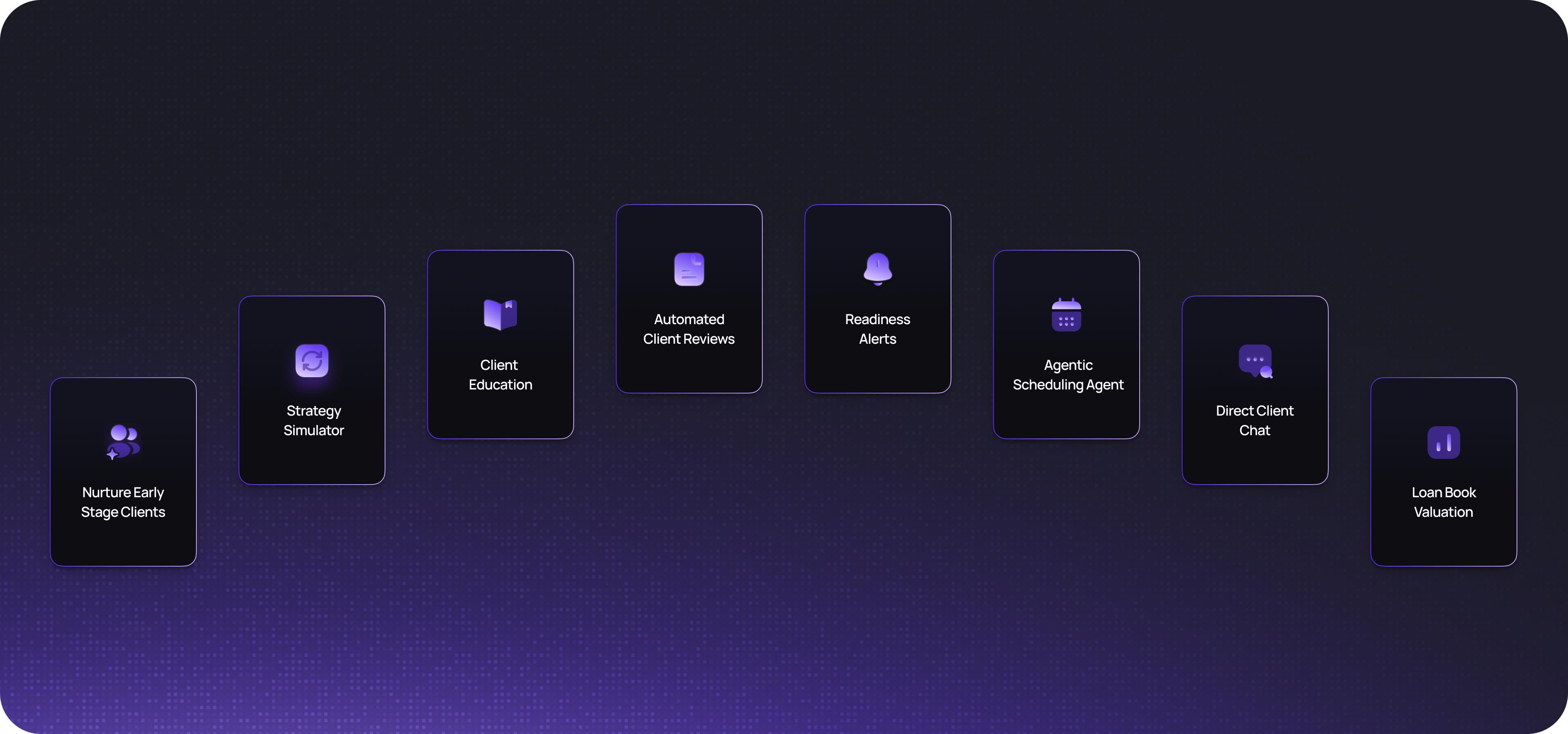
ScaleConnect isn't a collection of features — it's a workflow. Each piece supports the next, turning early-stage leads into long-term clients and one-off deals into a compounding loan book.
Here's how the pieces connect.
***
## 1. Nurture Early-Stage Clients
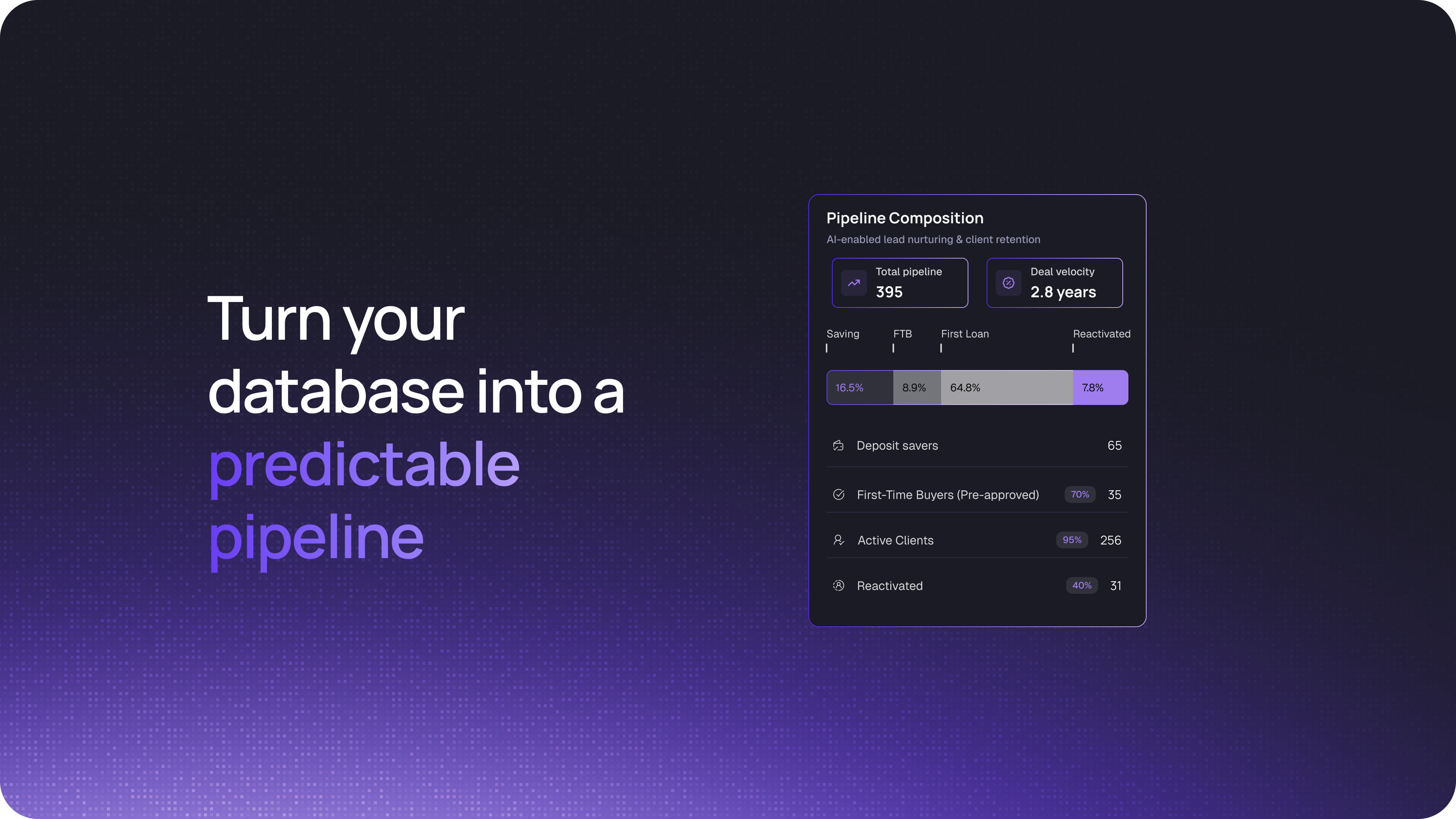
Most brokers enter the picture when a client is ready to transact. ScaleConnect moves you upstream. Set up a strategy for a client who's still saving, still exploring, still years from their first purchase — and you're in the conversation from day one.
Build their Base Case. Set a goal. Turn on automations. Now you're not waiting for them to find a broker when they're ready — you're already their broker.
→ [Add Your Clients](https://github.com/scaleapp-au/scaleconnect-docs/blob/main/help-centre/add-your-clients.md) · [Set Up Your Automations](https://github.com/scaleapp-au/scaleconnect-docs/blob/main/help-centre/set-up-your-automations.md)
***
## 2. Strategy Simulator
When a decision point arrives, you don't hand the client a PDF. You sit down together and model it. Clone the Base Case, add a refinance, test a second purchase, change the rate — and watch equity, cashflow, tax, and wealth shift in real time across a 10 to 30-year projection.
The client sees the impact before they commit. The product becomes the outcome of the strategy, not the starting point.
→ [Simulator](https://github.com/scaleapp-au/scaleconnect-docs/blob/main/help-centre/getting-around.md) · [Simulating Client Types](https://github.com/scaleapp-au/scaleconnect-docs/blob/main/help-centre/use-cases.md)
***
## 3. Client Education
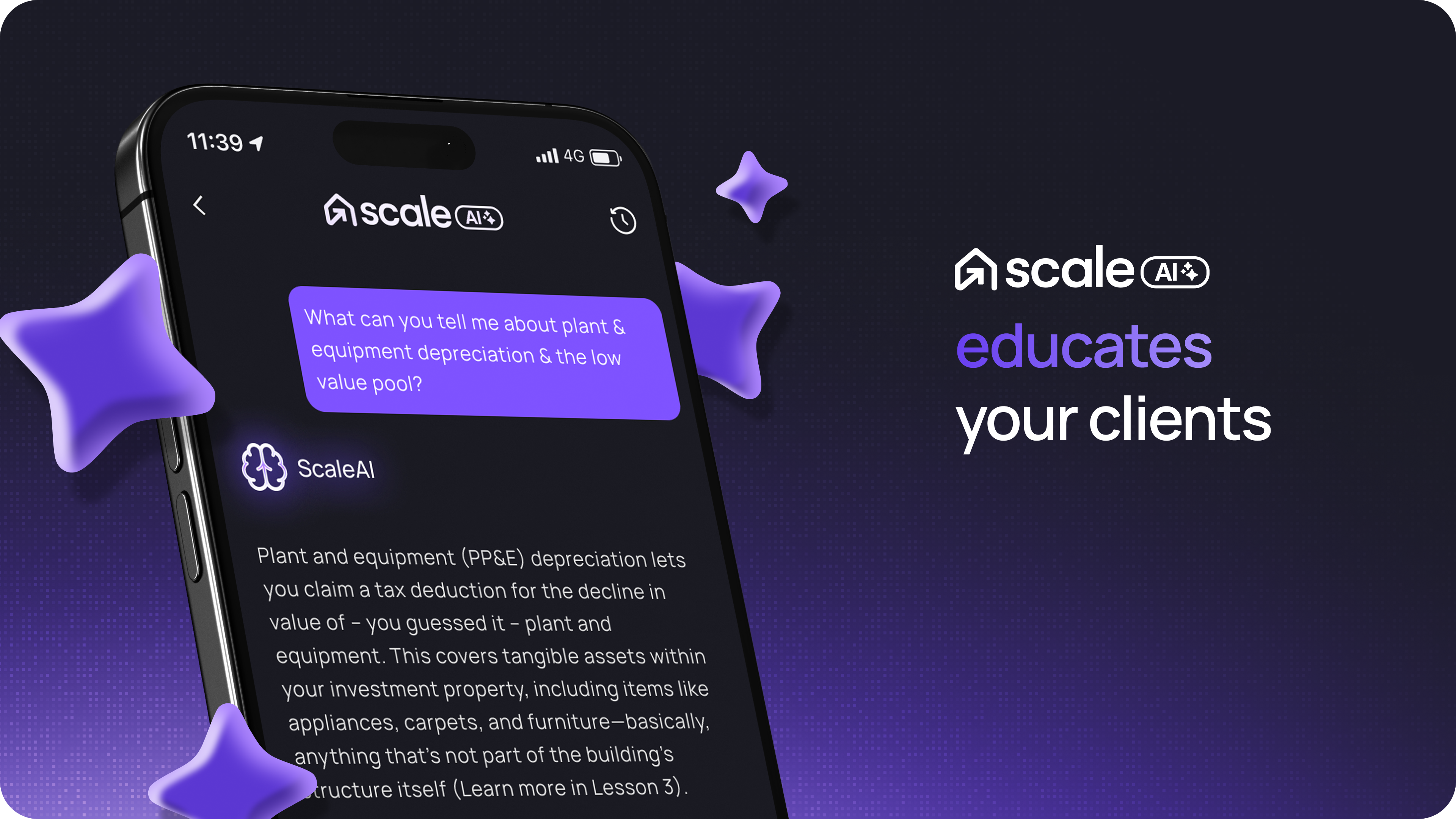
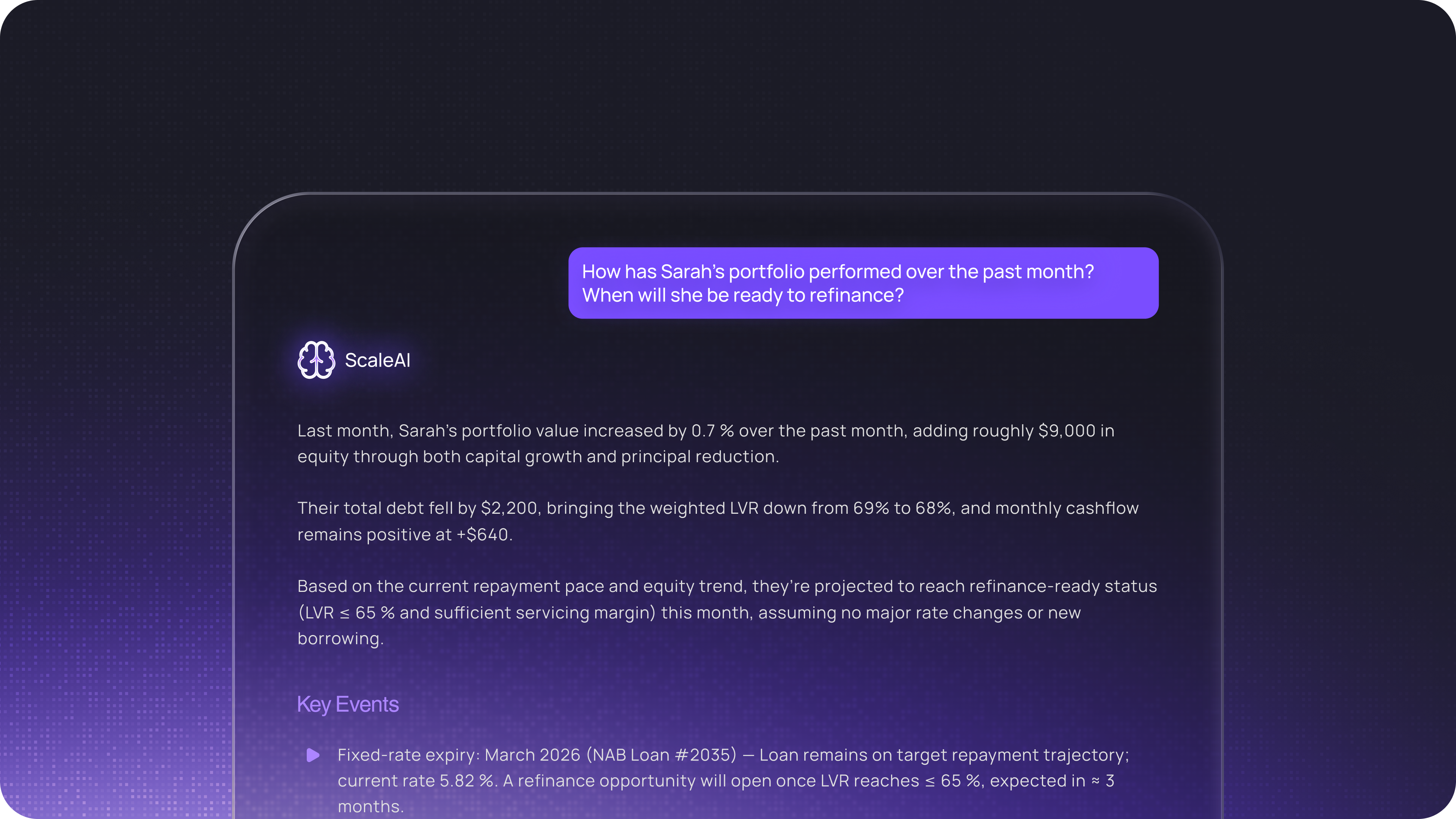
Give every client access to their own financial dashboard through ScaleApp. They can check their portfolio, track their goals, explore their projections, and ask an AI assistant questions about their position in plain English — anytime.
Educated clients understand equity, gearing, and timing. They ask better questions, make faster decisions, and don't need everything explained from scratch at every meeting.
→ [ScaleAI for Clients](https://github.com/scaleapp-au/scaleconnect-docs/blob/main/help-centre/product-docs/scaleconnect-docs/scaleai/scaleai-for-clients.md) · [Client Education Insights](https://github.com/scaleapp-au/scaleconnect-docs/blob/main/help-centre/client-education.md)
***
## 4. Automated Client Reviews
AI-generated portfolio assessments delivered on the cadence you set — monthly, quarterly, or on-demand. Each review analyses loan competitiveness, cashflow health, rate sensitivity, tax optimisation, wealth trajectory, and goals alignment.
Clients who receive regular, personalised reviews stay engaged between deals. You stop being the broker they hear from once a year and become the advisor who's always across their position.
→ [AI Reviews](https://github.com/scaleapp-au/scaleconnect-docs/blob/main/help-centre/ai-reviews.md)
***
## 5. Readiness Alerts
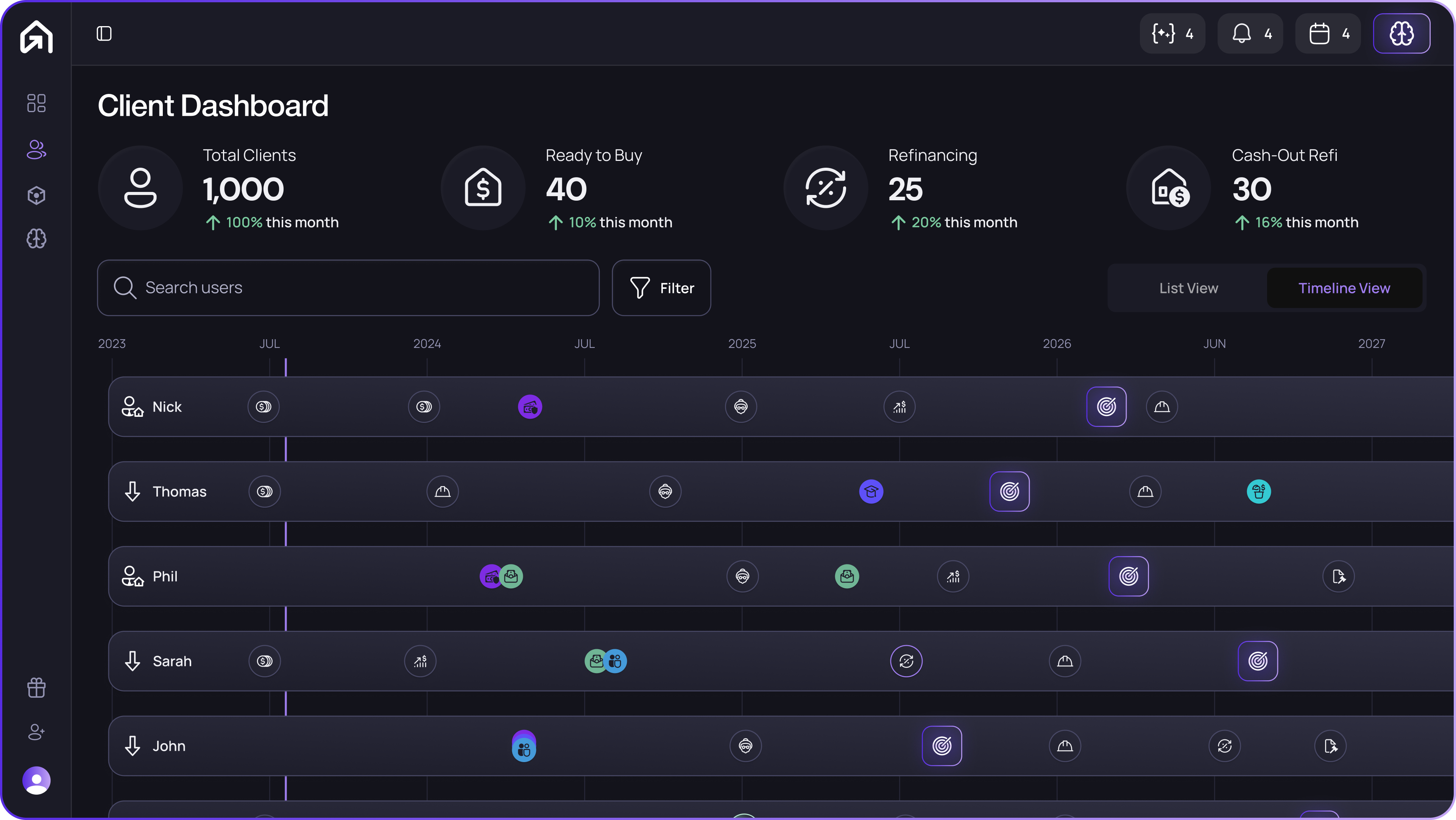
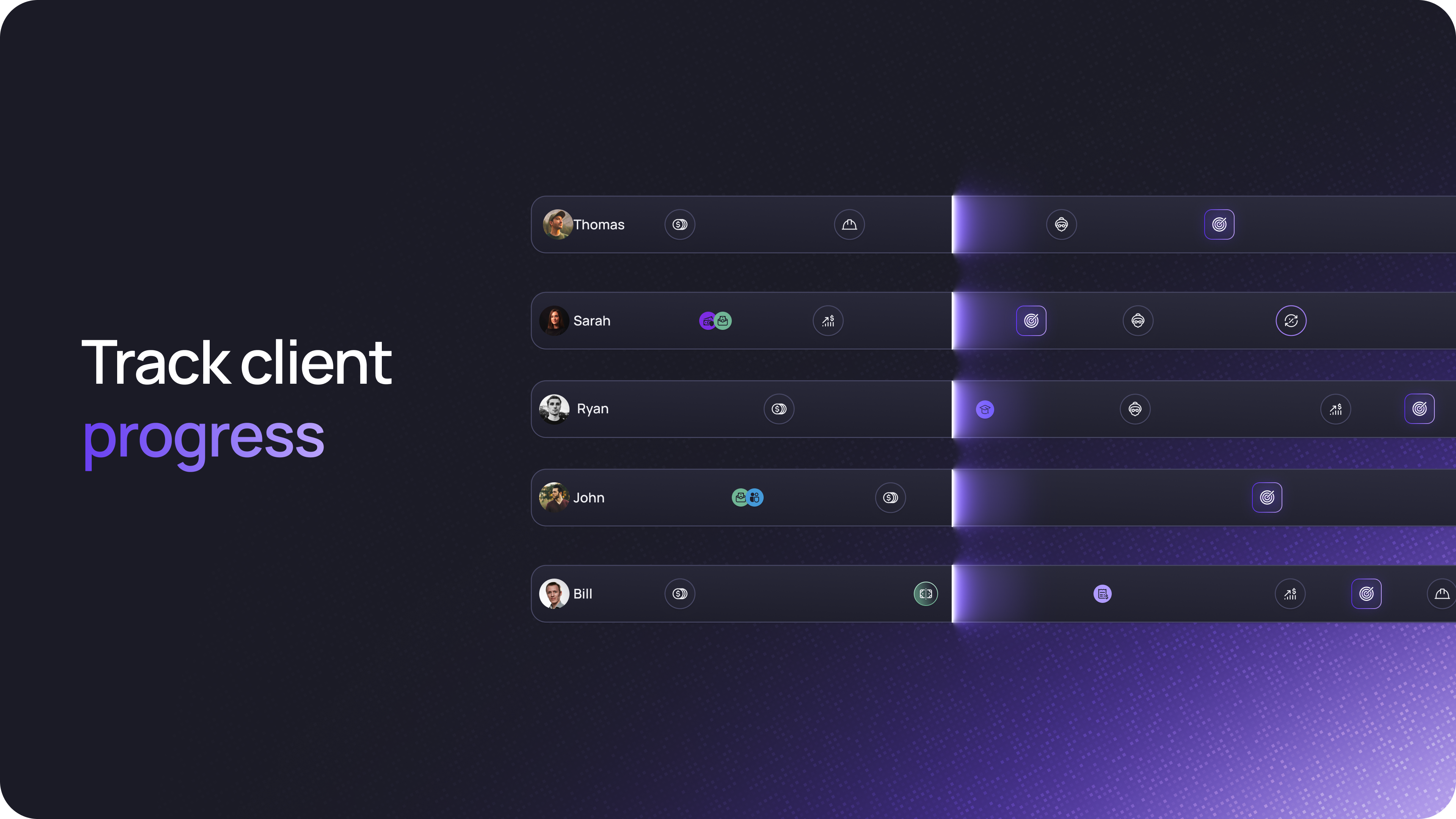
Every client is scored on how close they are to their next financial milestone — ready to buy, ready to refinance, ready to invest. Readiness updates automatically as property values, loan balances, and savings change over time.
You don't guess who to call. The dashboard tells you which clients are approaching a decision point right now. Focus your time where it has the highest chance of converting into a deal.
→ [Client Readiness](https://github.com/scaleapp-au/scaleconnect-docs/blob/main/help-centre/client-readiness.md)
***
## 6. Agentic Scheduling
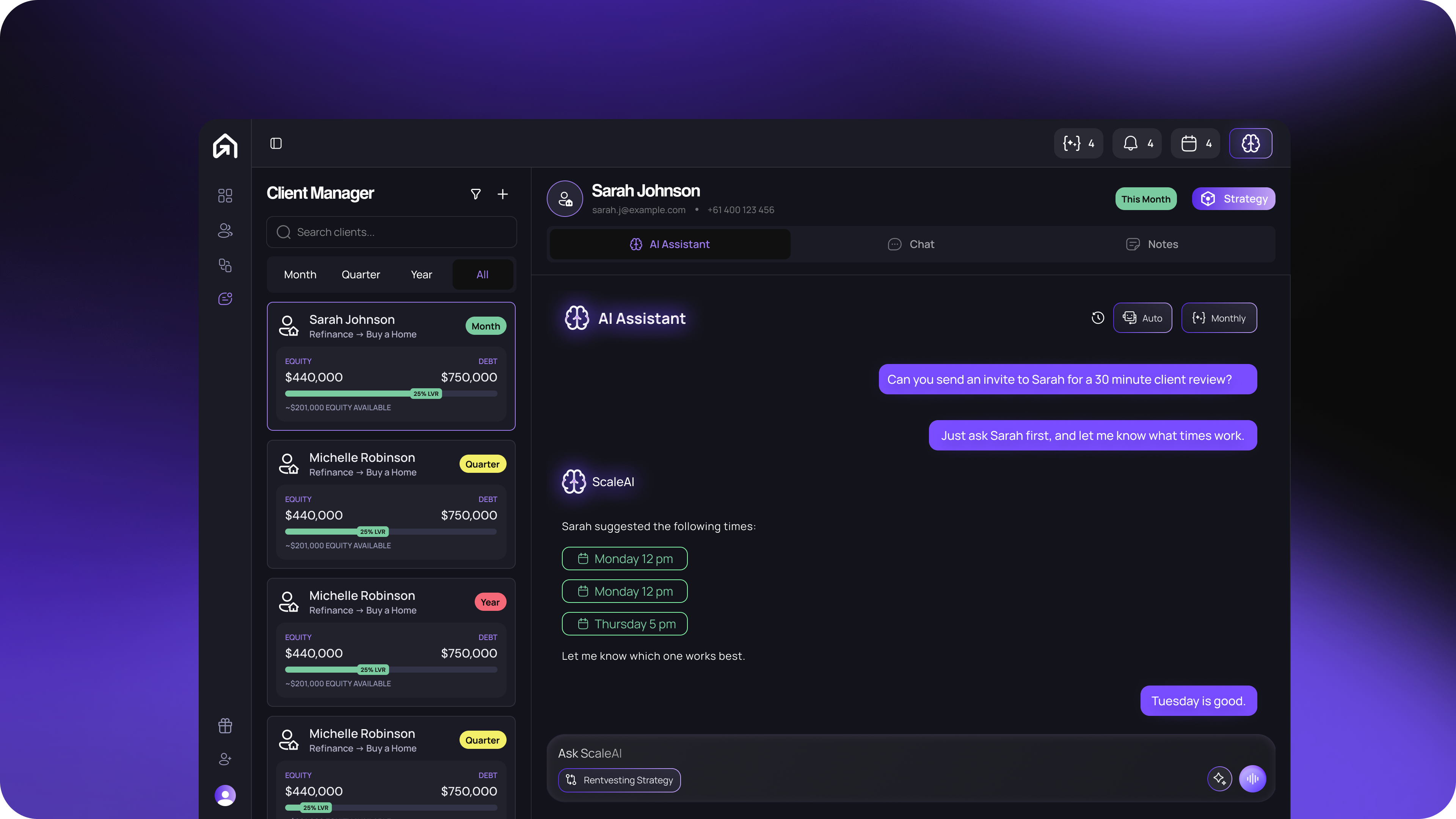
When a readiness trigger fires — a fixed rate expiring, an equity milestone crossed, a goal date approaching — the Calendar Agent acts. It books the meeting, notifies the client, and puts the context on your calendar so you walk in prepared.
No manual tracking. No clients falling through the cracks. The AI handles the logistics; you handle the conversation.
→ [Calendar Agent](https://github.com/scaleapp-au/scaleconnect-docs/blob/main/help-centre/calendar-agent.md)
***
## 7. Direct Client Chat
Your clients can message you directly through ScaleApp, with an AI layer that handles routine questions instantly and surfaces the ones that need your attention. Meeting follow-ups, quick queries, and check-ins happen without phone tag or email chains.
The relationship stays warm between meetings — and every interaction adds context to the client's knowledge base, making future AI responses smarter.
→ [Client Chatbot](https://github.com/scaleapp-au/scaleconnect-docs/blob/main/help-centre/product-docs/scaleconnect-docs/scaleai/client-chatbot.md) · [Client Notes](https://github.com/scaleapp-au/scaleconnect-docs/blob/main/help-centre/client-notes.md)
***
## 8. Loan Book Valuation
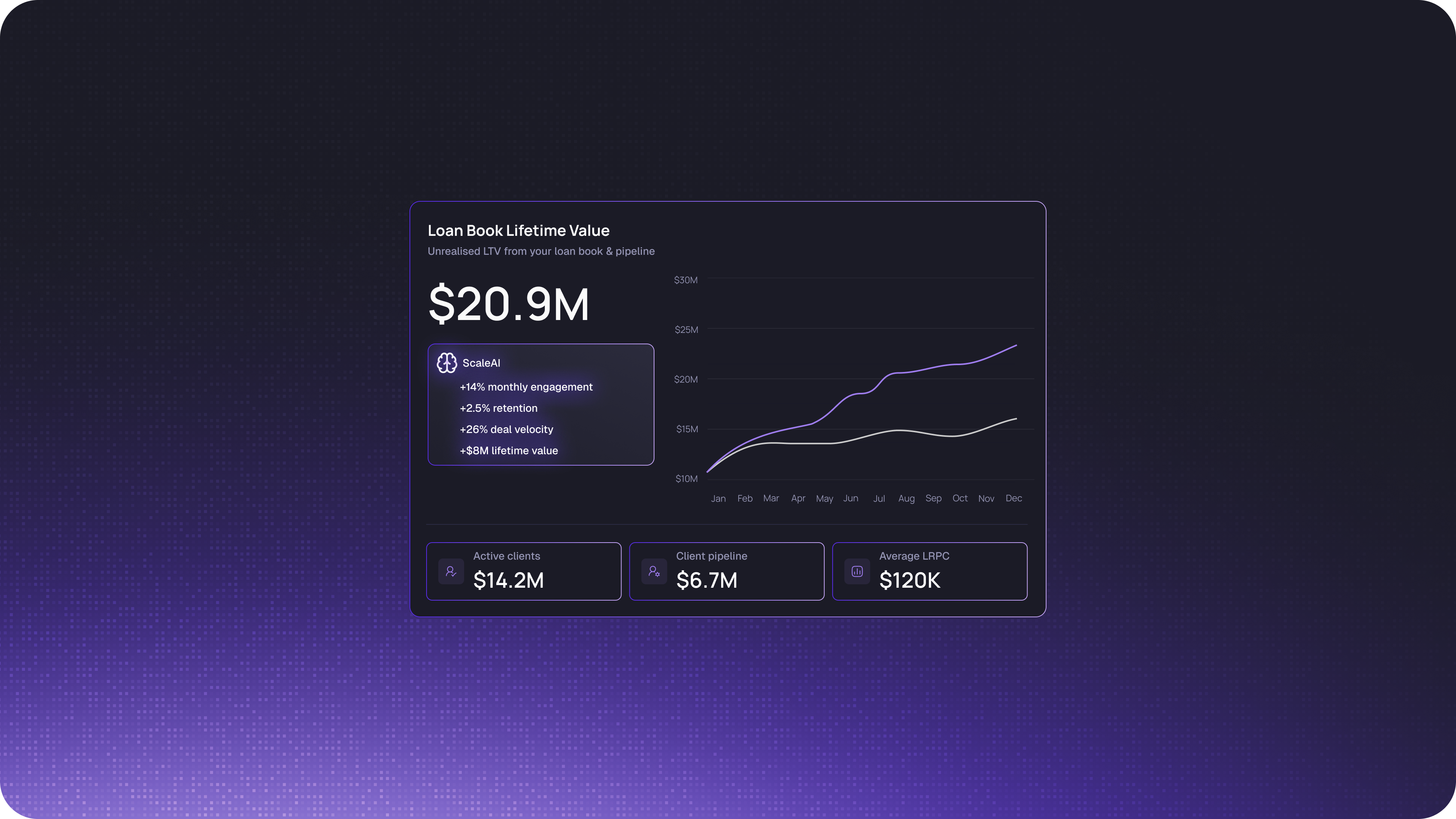
See the lifetime value of your entire book — trail income, upfront commissions, projected runoff, and portfolio growth over time. Break it down by client, property, lender, or time horizon.
Your loan book is an asset. Knowing its value — and what drives that value — changes how you decide which clients to invest time in, when to push for refinancing, and how to grow the book strategically.
→ [Loan Book Lifetime Value](https://github.com/scaleapp-au/scaleconnect-docs/blob/main/help-centre/loan-book-lifetime-value.md)
***
{% hint style="success" %}
This is the full loop. Nurture leads, model strategies, educate clients, review portfolios, track readiness, schedule meetings, stay connected, and grow the book. Each step links to a detailed guide in the knowledge base.
{% endhint %}
---
# Agent Instructions
This documentation is published with GitBook. GitBook is the documentation platform designed so that both humans and AI agents can read, navigate, and reason over technical content effectively. Learn more at gitbook.com.
## Querying This Documentation
If you need additional information that is not directly available in this page, you can query the documentation by asking a question.
Perform an HTTP GET request on the following URL with the `ask` and `goal` query parameters:
```
GET https://docs.scaleconnect.com.au/scaleconnect-docs/help-centre/solutions.md?ask=&goal=
```
`ask` is the immediate question: it should be specific, self-contained, and written in natural language.
`goal` is what the user is ultimately trying to achieve, the reason they need the answer. Sharing it helps GitBook give you a better, more relevant answer. A goal is most helpful when it describes the outcome the user wants rather than restating the question. For example, with `ask=how do I create an API token`, a goal like `automate deployments from our CI pipeline` lets GitBook tailor the answer to that use case.
The response will contain a direct answer to the question and relevant excerpts and sources from the documentation.
Use this mechanism when the answer is not explicitly present in the current page, you need clarification or additional context, or you want to retrieve related documentation sections.